
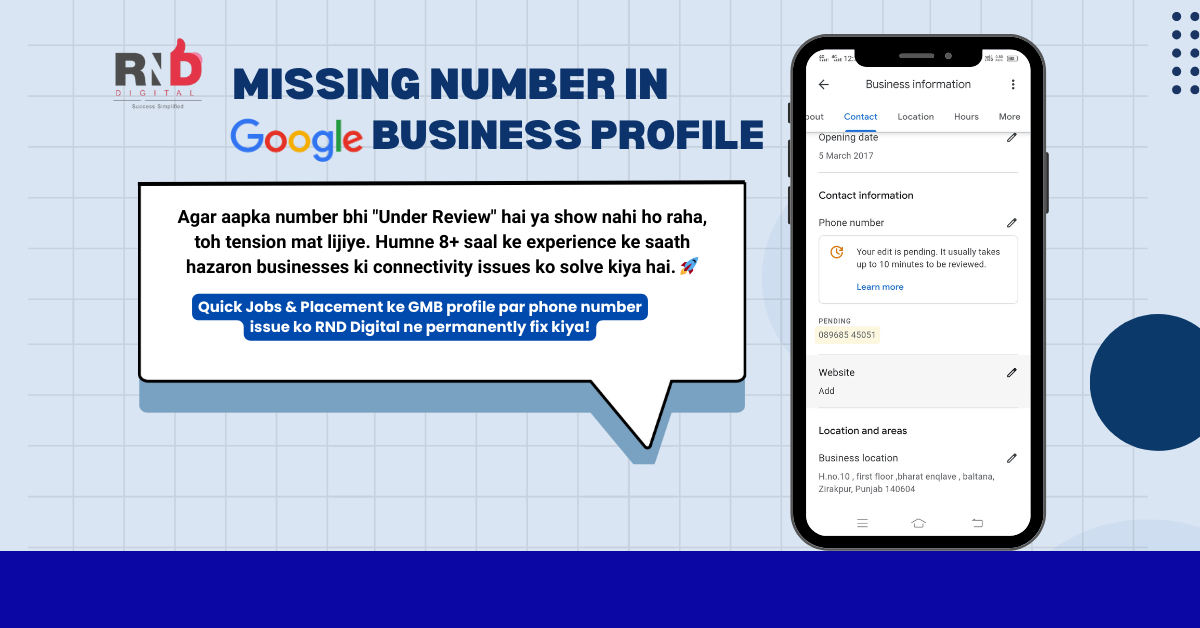
Getting a “Not Approved” notification on your Google Business Profile phone number is one of the most frustrating issues for business owners.
Your number is genuine. Your customers are trying to call. But on Google Business Profile (formerly Google My Business), the number is either:
Stuck in Pending Review, Completely disappears Or worse, gets replaced with “0”
If you’re facing this issue in India, you’re not alone.
In 2026, Google’s spam detection system has become extremely strict—especially for Indian businesses. Even valid mobile numbers are getting rejected if Google doesn’t trust their digital presence yet.
At RND Digital, we’ve helped businesses across Mumbai, Maharashtra, and India fix this exact issue. Here’s why it happens—and the proven way to fix it.
Why Google Business Profile Blocks Phone Numbers
Google’s algorithm evaluates “Number Credibility” before approving any phone number.
Common reasons your number gets blocked:
- Inconsistent NAP Details
Your Name, Address, and Phone Number (NAP) don’t match across platforms like your website, social media, or directories.
- Incorrect Phone Number Format
Not using the standard +91 mobile format can trigger rejection.
- Weak Online Proof
If your number doesn’t appear on trusted Indian platforms like:
Justdial
IndiaMART
Facebook Business Pages
Google may flag it as suspicious.
How to Fix Google Business Profile Phone Number Issues in 2026
Step 1: Build a Strong Digital Footprint (NAP Consistency)
Before re-submitting your phone number on Google, ensure your business details are 100% identical everywhere online.
Update your correct phone number on:
YouTube: youtube.com
Facebook: facebook.com/
Instagram: instagram.com
Twitter/X: twitter.com
Pinterest: in.pinterest.com
🔔 Pro Tip: Wait 3–4 days after updating so Google can crawl and verify the data.
Step 2: Use the “Suggest an Edit” Method (High Success Rate)
Google often trusts community edits more than owner updates.
Ask 2–3 genuine users (friends or customers) to:
Search your business on Google
Click “Suggest an edit” → “Change name or other details”
Enter your correct mobile number
⚠️ Do not do this simultaneously. Space edits over a few days.
Step 3: Contact Google Business Profile Support (With Proof)
If the number is still not live, contact official Google support with documents:
Required proof in 2026:
Utility Bill (electricity / postpaid mobile) in business name
GST Certificate or Business Registration
Storefront Photo showing signage with phone number
This step works best when NAP consistency is already fixed.
Case Study: Google Business Phone Number Fixed in 10 Days
Client: Quick Job Placement
Owner: Mr. Ajay Patil
Location: Vasai, Maharashtra
Problem:
Phone number not showing on live Google Business Profile, leading to lost candidate calls.
Our Strategy:
Full local SEO audit
Website & social profile data alignment
Authority signal strengthening
Timeline:
Work Started: 02 January 2026
Phone Number Live: 12 January 2026
✅ Result: Fully verified Google Business Profile in just 10 days
📺 Watch live proof on YouTube:
How we fix Google Business Profile phone number issues in under 2 minutes.
Need a Google Business Profile Expert in India?
If your customers can’t call you, your competitors are winning—simple as that.
Whether you’re searching for:
Local SEO services in India
GMB consultant near me
Google My Business support in india
👉 RND Digital has you covered.
📩 DM “FIX MY NUMBER”
📞 Call / WhatsApp: +91 8339818888
🌐 Visit: rnddigital.co.in
📺 Watch success stories: youtube.com/@rnddigital
